
Systems guide
Gameplay Systems
Use this page as the gameplay hub for campaign routes, medals, difficulty, Challenge Mode, Battle Mode, 4v4 online, co-op roles, Joy-Con 2 mouse controls, GameShare, GameChat camera features, and amiibo cosmetics.
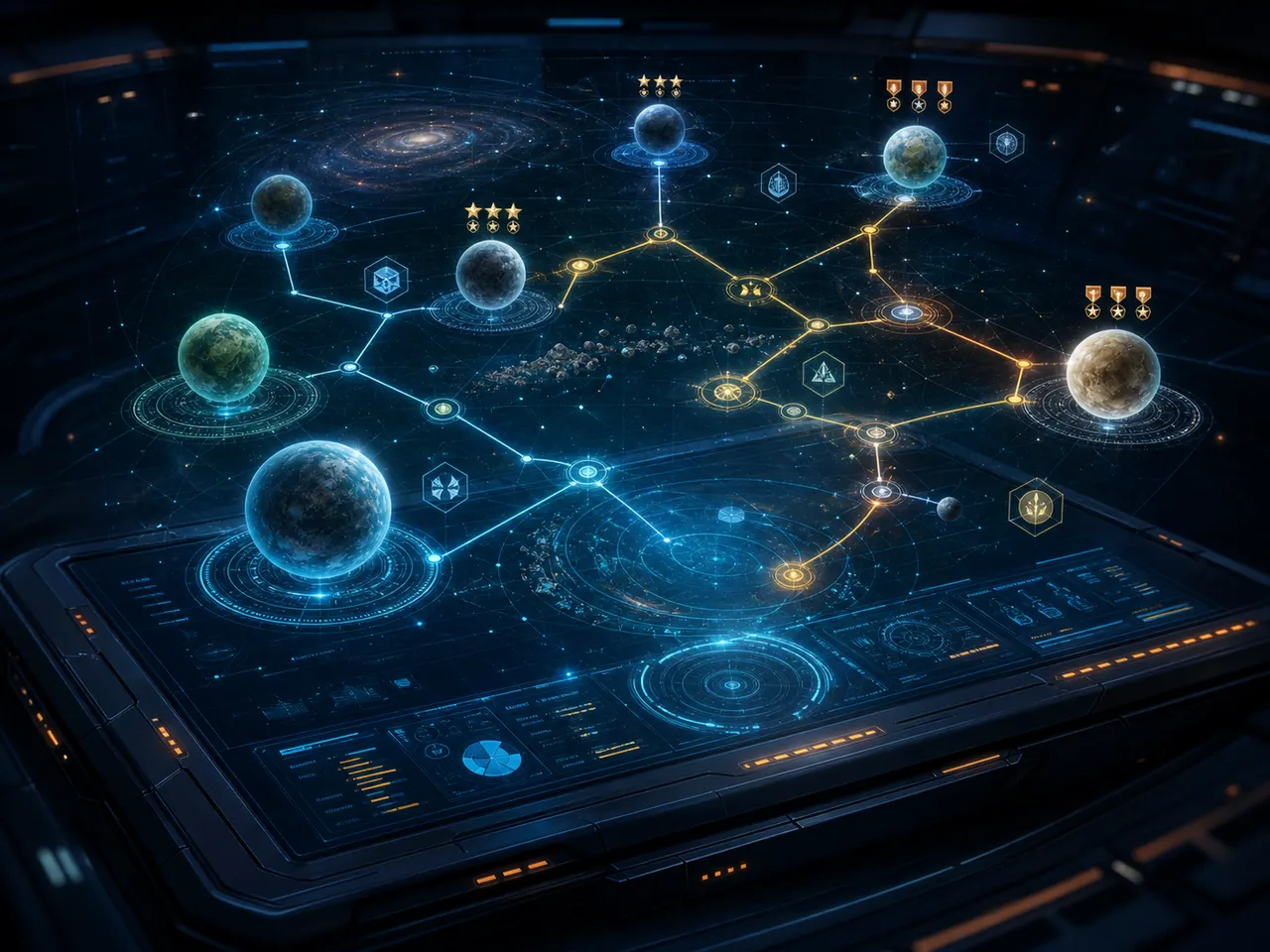
How the game is structured
The core loop is campaign play, medal and route-objective tracking, replay objectives in Challenge Mode, multiplayer in Battle Mode, and optional co-op or GameShare sessions.
If you are new, start with the demo tutorial and Meteo. After that, the important habit is recording objectives, medals, and route changes as you replay.
Routes, medals, and difficulty
Difficulty matters because Expert is tied to medals, while Easy gives a sturdier ship and stronger laser. That makes medals one of the first long-term goals to track.
Routes matter because objectives and squadmate cues can change the next mission briefing. Good guide pages should connect each stage, objective, medal, and route result.
Multiplayer and social features
Battle Mode supports playing with or against friends, including four-on-four online team battles across Corneria, Sector Y, and Fichina with different rules and objectives.
GameShare, GameChat, compatible USB camera use, Character Avatars, AR filters, and amiibo Battle Banner cosmetics should be documented as separate systems because each has different hardware, account, or cosmetic implications.
Database
Campaign
The story campaign follows Fox McCloud and the Star Fox squad as the Lylat system comes under attack.
Begin here for route learning, stage order, and controls.
Difficulty and medals
Nintendo says Normal is the standard campaign difficulty, every medal unlocks Expert, and Easy gives a sturdier ship with a more powerful laser.
Start on Normal if you want the default route pressure; use Easy to learn stages before medal attempts.
Mission objectives and alternate paths
Nintendo says certain replay objectives can unlock different paths, dramatically changing which missions become available.
Record objective triggers, squadmate cues, mission briefing changes, and the next available mission.
Challenge Mode
Nintendo says players can replay missions in Challenge Mode to clear objectives and unlock rewards such as Holoviewer logs.
Use this mode after a first clear to chase objectives and lore rewards.
Battle Mode
Battle Mode lets players compete with or against friends, including online play.
Track player counts, banners, and amiibo cosmetics here.
Four-on-four online battles
Four-on-four team-based battles are available online across three stages: Corneria, Sector Y, and Fichina.
Use stage rules and objectives as the main Battle Mode documentation target once matches can be tested.
Two-player co-op
A second player can join as a gunner or pilot, and the story campaign can be played together locally or online over GameShare via GameChat.
Decide early who pilots and who guns, because those roles affect how you learn each mission.
Joy-Con 2 mouse controls
Mission play supports mouse controls on Joy-Con 2 controllers.
Try this in the demo tutorial before committing to a control scheme.
amiibo support
Fox, Falco, and Wolf amiibo figures grant additional backgrounds and emblems for the multiplayer Battle Banner.
Use amiibo entries for Battle Banner backgrounds, emblems, and collection notes.
GameChat camera and avatars
Nintendo says compatible USB cameras can enable face-to-face GameChat, Character Avatars, and AR filters with accessories such as ears, sunglasses, and helmets.
Treat this as a social feature requiring hardware and online requirements, not core campaign progression.
FAQ
Are Challenge Mode rewards known?
Holoviewer logs are one reward type. A full reward table belongs with mission-by-mission objective pages.
How does Expert difficulty work?
Expert unlocks after earning every medal, so medals should be tracked from the start.
How do route branches work?
Certain objectives and squadmate cues can change which missions become available next.